Animated illustrations are now common on websites and in apps. Examples include “Like” icons that animate when clicked and loading animations. Many digital interfaces now incorporate rich, interactive motion.
Lottie is well known as a tool for creating this kind of animation, but another option is Rive. This article covers Rive’s advantages and drawbacks and presents demos built with Rive.
What is Rive?
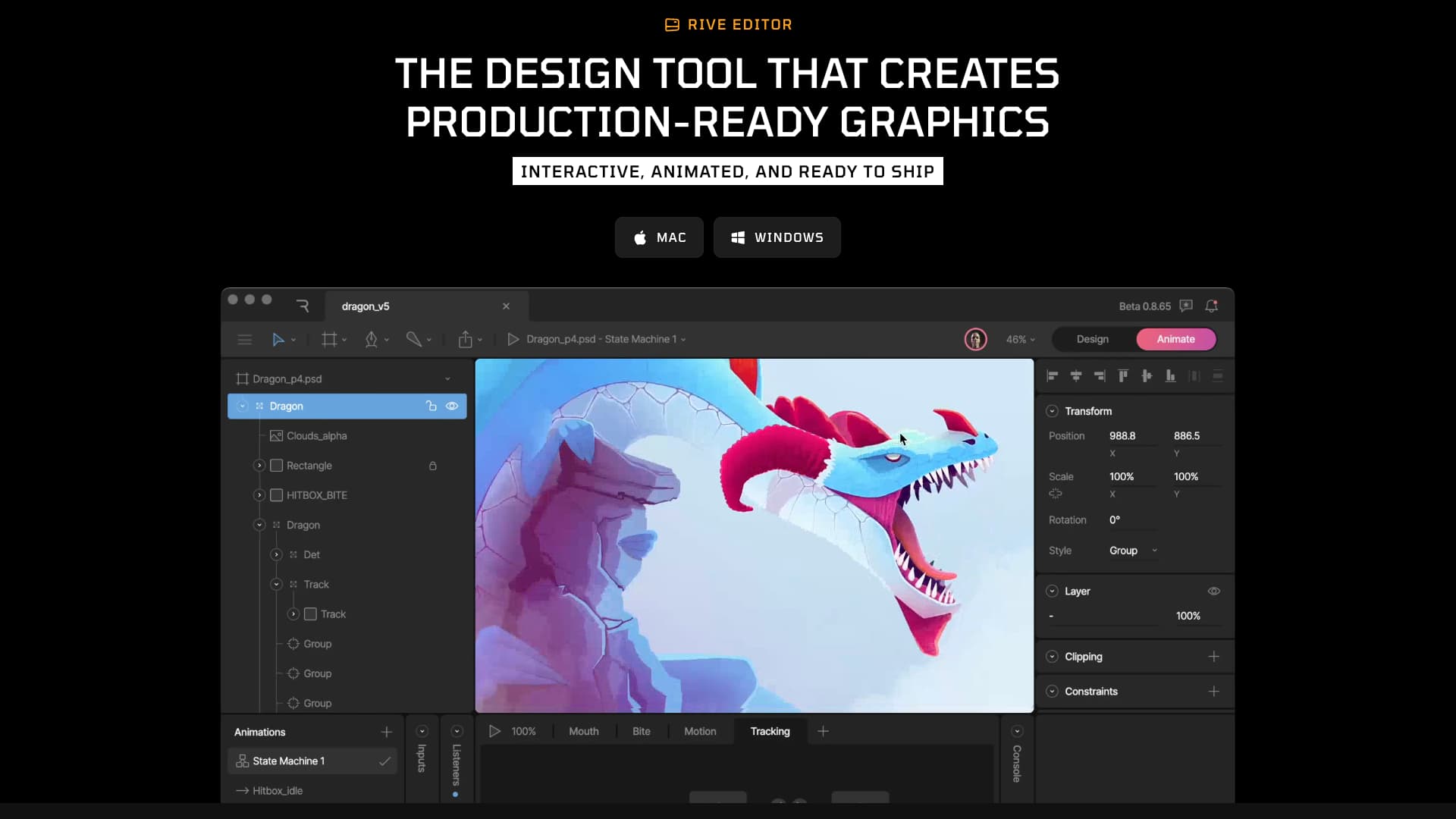
Rive combines a design tool for creating animations with runtimes that render and control them across a wide range of platforms. Its defining feature is that design, animation, interactions, and state-driven visual changes can all be created in a single tool. Rive is available as a browser-based editor or as a desktop app from the Downloads page.
An all-in-one workflow
Rive is designed as an all-in-one tool for building web UIs, games, apps, and more. As outlined in its Introduction, it provides the following capabilities:
- Create vector designs with responsive layouts and reusable components.
- Animate the designs.
- Build interactions that respond to user input, screen size, and scrolling.
- Change text, colors, images, layouts, and other visual properties based on values supplied by the app.
- Use Rive runtimes to integrate exported assets directly into websites, apps, and other platforms.
Build state-driven animations in a GUI
Rive includes a State Machine feature for managing animation states, such as whether an element is hovered or has been clicked, and transitions between those states. It also provides Data Binding, which changes visual properties based on values passed in from the application.
Together, these features make it possible to create interactive animations triggered when the user clicks or hovers, as well as animations tied to application state, such as score displays and progress bars.
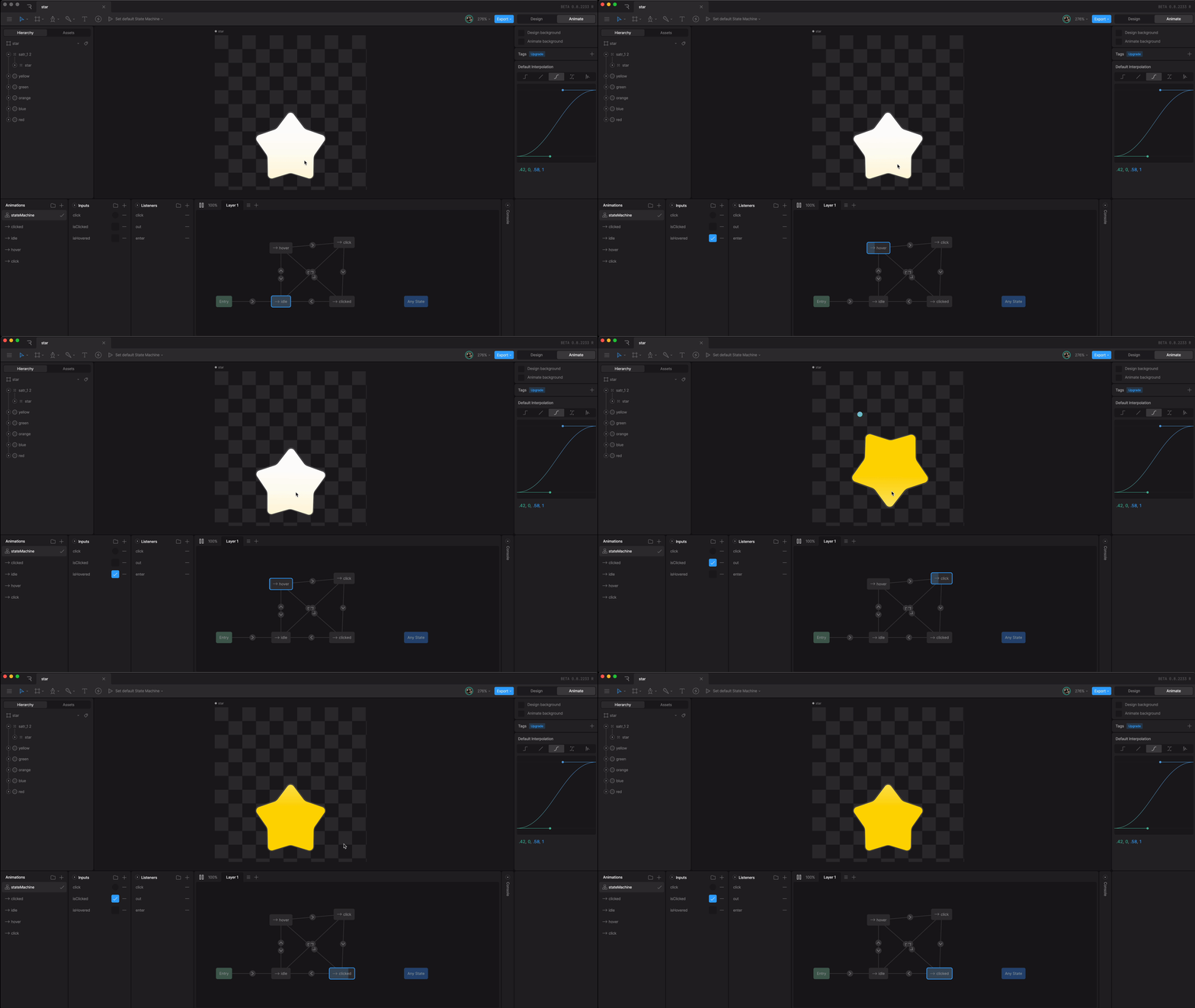
The following shows the animation running in the Rive Editor.
State values such as isHovered (whether the pointer is hovering) appear in the lower-left corner, while the active animation can be inspected at the bottom center. The behavior is built visually by connecting multiple animations and states with lines and arrows.
An efficient proprietary .riv format
Files exported from Rive use its proprietary binary .riv format. A .riv file bundles the artboards, animations, State Machines, Data Binding settings, and other information created in the editor. This file is then loaded directly into a website or mobile app.
The format is designed to balance loading performance and file size, helping streamline both design and implementation.
Note: The
.rivformat is intended for runtimes. Use the.revformat for backups and editing. Runtimes cannot load.revfiles.
Works across many platforms
Rive runtimes are available for a wide range of platforms, including the web, iOS, Android, and Unity. The Rive documentation provides instructions for each supported platform.
How Rive differs from Lottie
Lottie and Rive are both options for adding animation to digital products. Rive’s strength is that design, animation, and implementation can all happen within one application. Designers and engineers can create, edit, and review the same work there without maintaining separate mockup files.
Beyond animation playback and interactions, Data Binding makes it possible to create animations that respond to application state. This enables a clear division of responsibilities: the app manages the data, while Rive handles visual changes and animation.
Drawbacks of Rive
Rive has many advantages, but it also has some drawbacks.
The free plan has limitations
Rive offers free and paid plans. The free plan is intended primarily for learning and personal projects. Files created on the free plan cannot be exported as .riv files. As noted on the Pricing page, a paid plan is required to export Rive assets for use in an app or product.
Rive’s runtimes are licensed under the MIT License, so they can be used commercially.
Demos built with Rive
The following demos were built in Rive. In both cases, the interactions were created in the editor, and the JavaScript only loads the files.
The JavaScript simply loads the .riv file:
const star = new Rive({
  src: "./star.riv",
  canvas: document.getElementById("star"),
  artboard: "star",
  autoplay: true,
  stateMachines: "stateMachine",
  onLoad: () => {
    star.resizeDrawingSurfaceToCanvas();
  },
});
Demo 1: a star that animates on click and hover

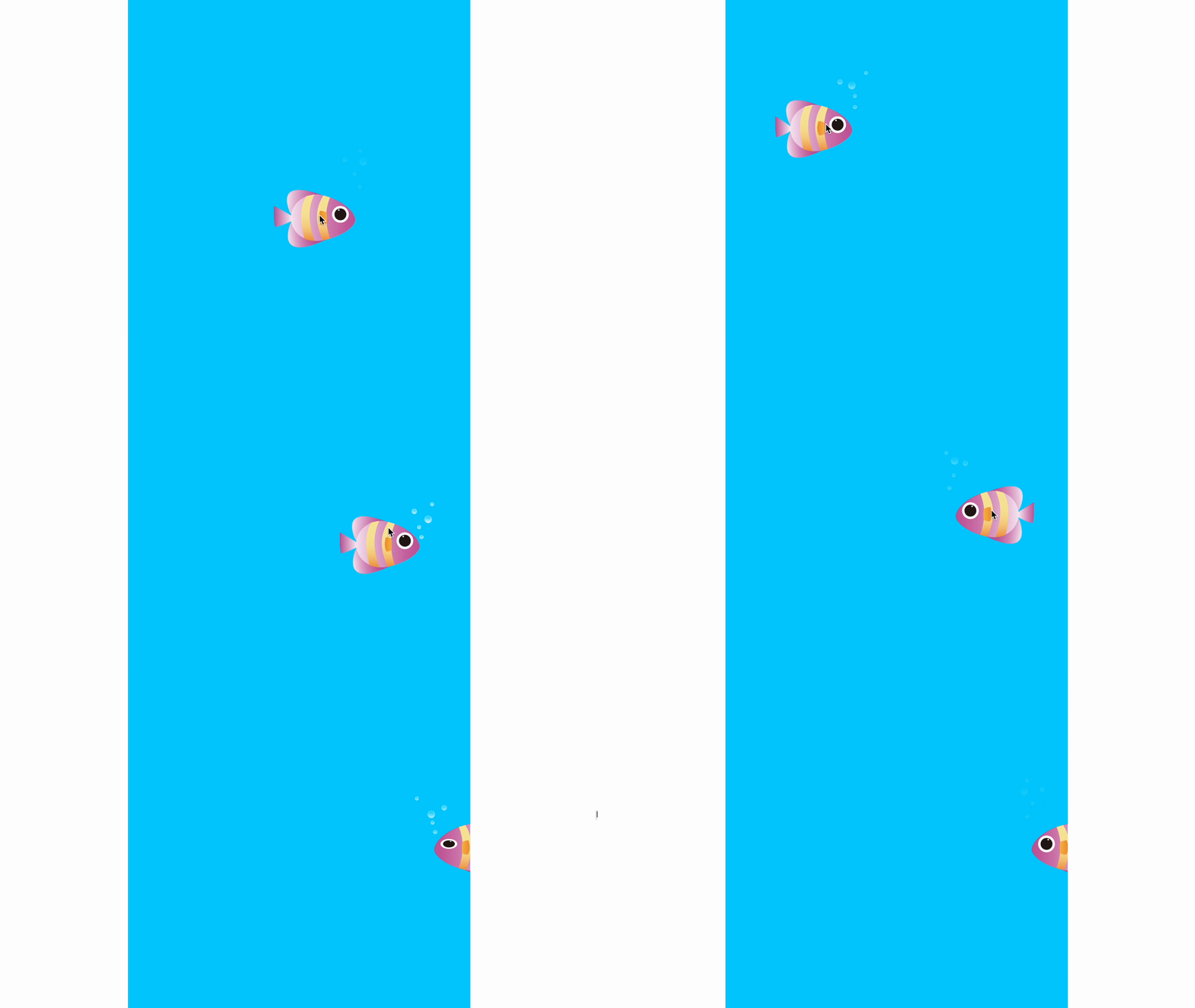
Demo 2: a fish that follows the mouse cursor
Explore examples in the Rive Marketplace
The Rive Marketplace showcases work created by people around the world. It includes many high-quality examples, from icons to game-like interfaces, and is well worth browsing.
Marketplace files are published under CC BY 4.0, which permits redistribution and remixing subject to the license terms.
Conclusion
Rive is an all-in-one tool that covers design, animation, interaction creation, and the runtimes needed for deployment.
Its interface resembles tools such as Adobe Illustrator and After Effects, so it should feel familiar to people who already use them. Alongside Lottie, Rive is worth considering when selecting an animation tool.