
The JavaScript library shuffle-text is available. shuffle-text is a library for creating text shuffle effects, where characters switch randomly. It is useful for adding animated effects to single-page applications (SPAs), games, and special content pages.
For example, you can trigger an effect like this when the mouse cursor hovers over text on a website.
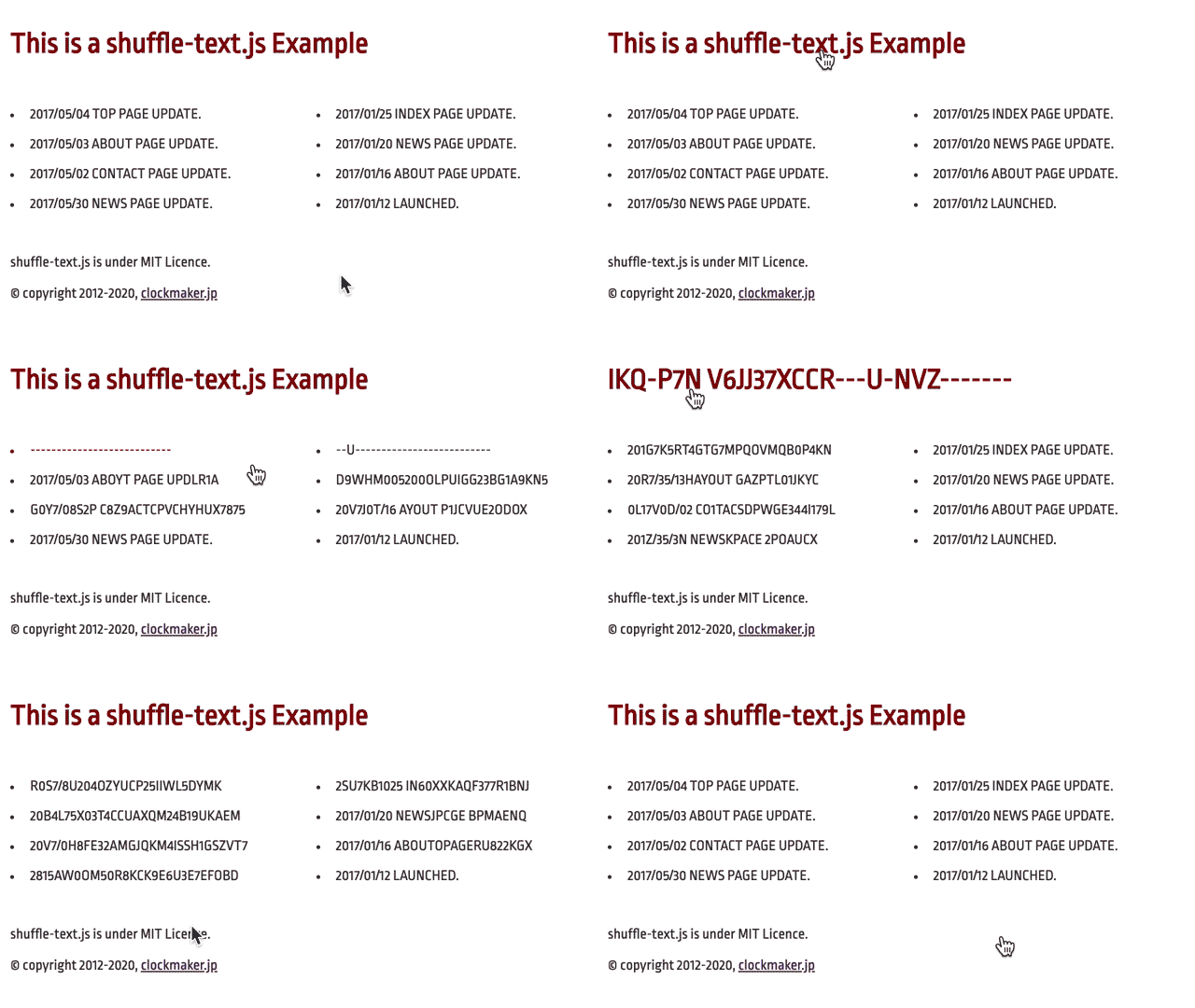
Specifying strings such as ░▒▓█ or ⠁⠃⠇⡇⣇⣧⣿ as the characters to scramble can also create a mosaic-like effect. This was inspired by an Anime.js example.
The library is released under the MIT License, so anyone can use it freely, including in commercial projects. The source code and documentation are available on GitHub.
Try shuffle-text
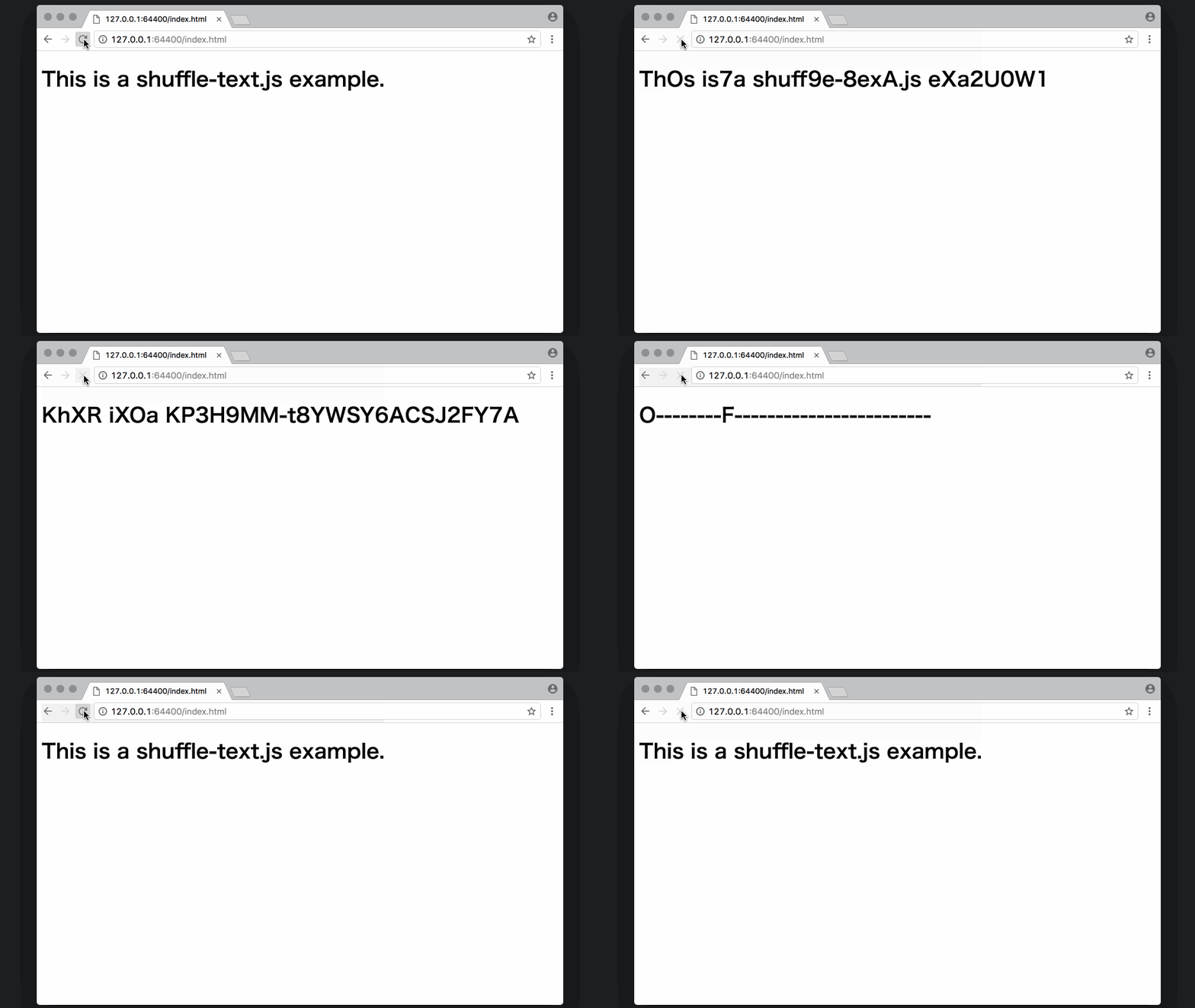
This article explains how to include and use the JavaScript library. The following demo is the sample built in this article.
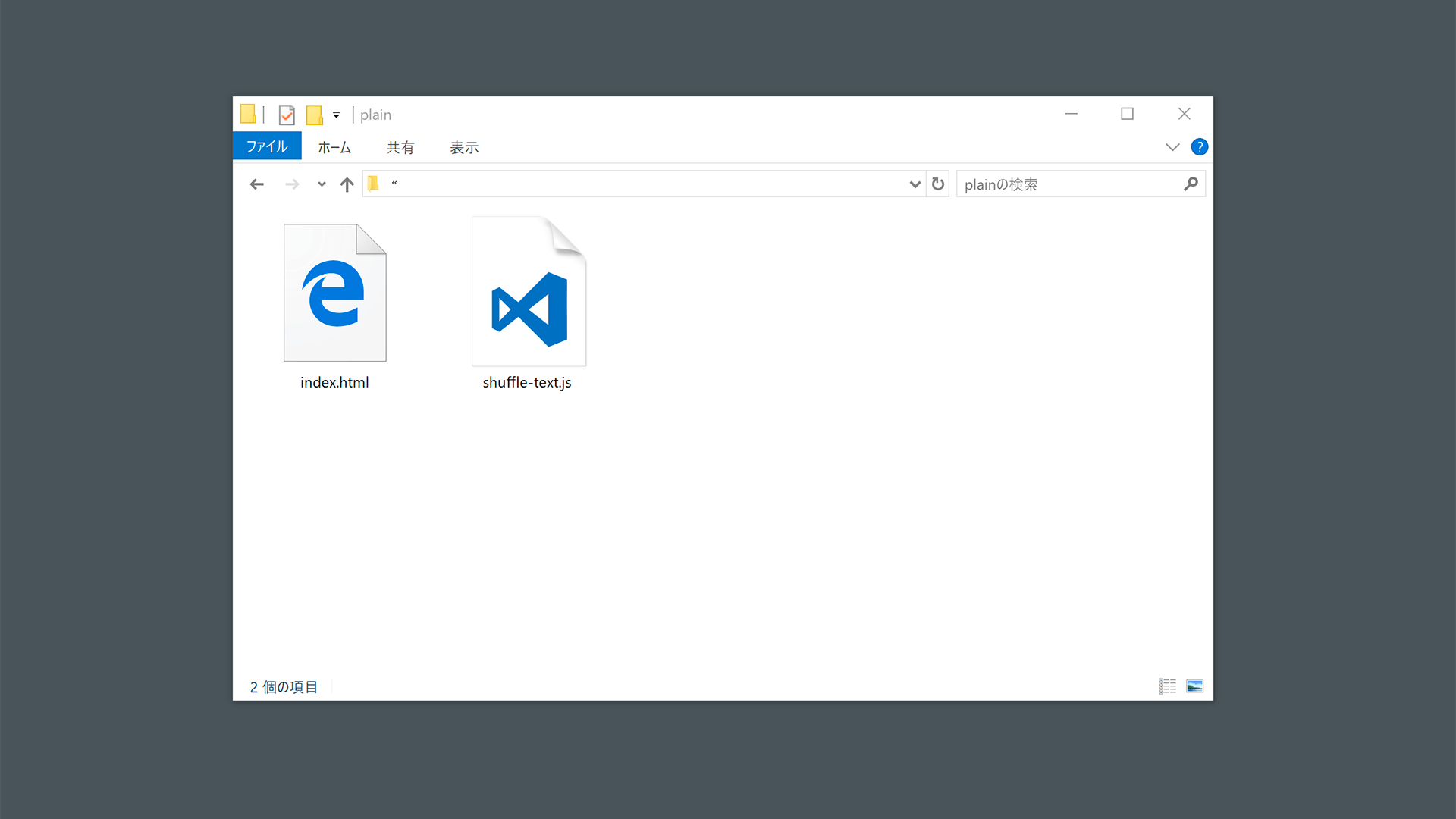
Download the library from GitHub and place shuffle-text.js from the build folder as shown below. It is written in plain JavaScript, so it has no library dependencies.
Using shuffle-text.js is very simple: apply the effect to the text inside an HTML element. Get a reference to the element you want to target with a method such as document.querySelector(), and pass it as the argument to the constructor of the ShuffleText class, which is defined in shuffle-text.js. When you want the effect to start, call the start() method.
<!DOCTYPE html>
<html>
<body>
<h1 id="myText">This is a shuffle-text.js example.</h1>
<script src="shuffle-text.js"></script>
<script>
  const text = new ShuffleText(document.querySelector('#myText'));
  text.start();
</script>
</body>
</html>
That is all for the setup. Open it in a browser and check that the effect plays.
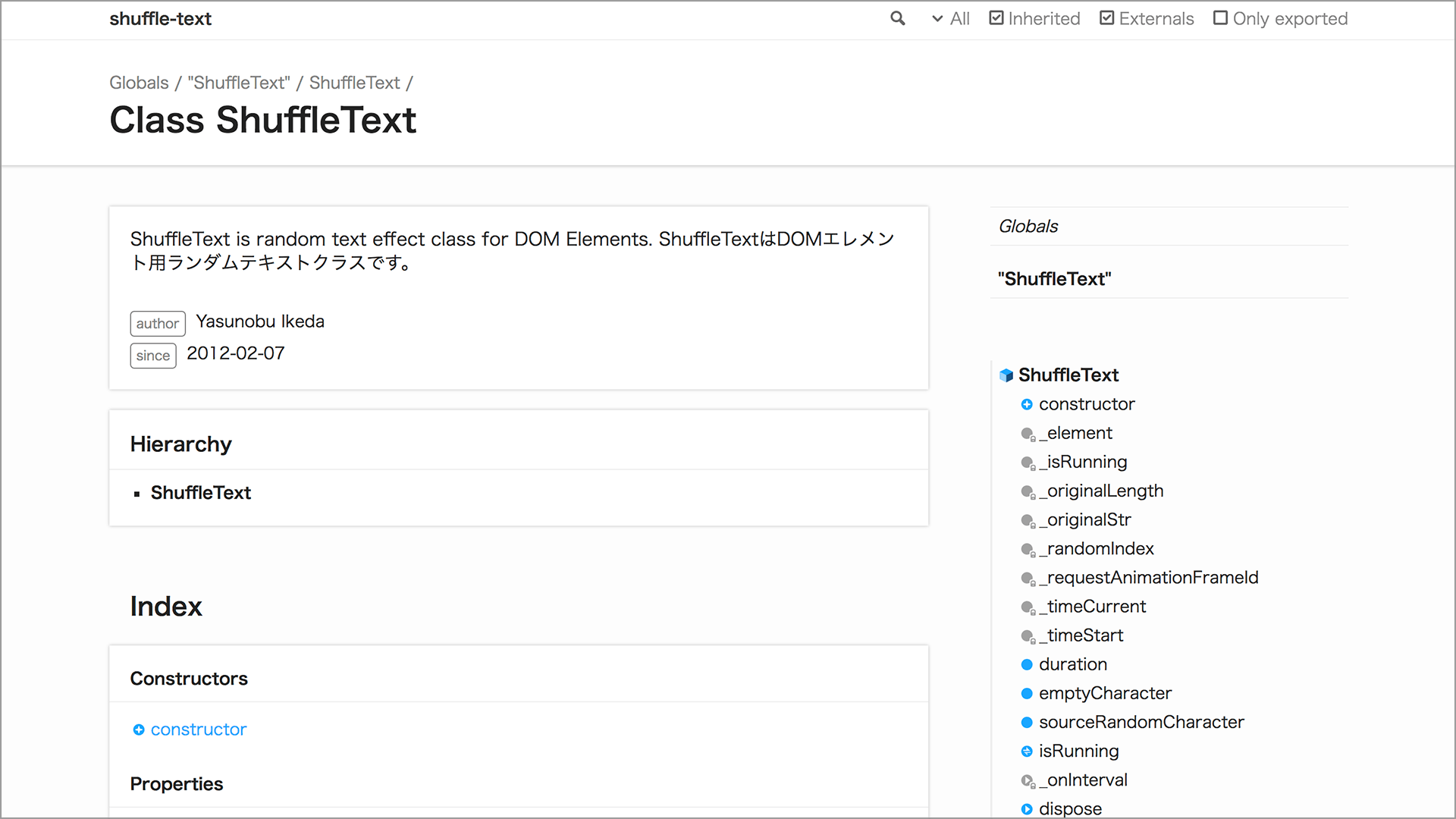
Detailed specifications are available as API documentation. The library can be customized, so use the docs as a reference.
Design details
If the design simply makes characters rapidly switch until they settle into place, the result is an effect where characters appear from the beginning of the string. That works, but it feels mechanical and monotonous.
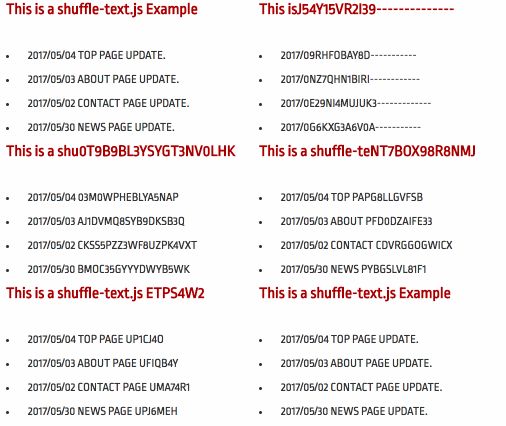
shuffle-text is designed so that character appearance and the timing of effect completion are uneven. This gives the randomness some depth. A deliberately imperfect result can create a nostalgic atmosphere.
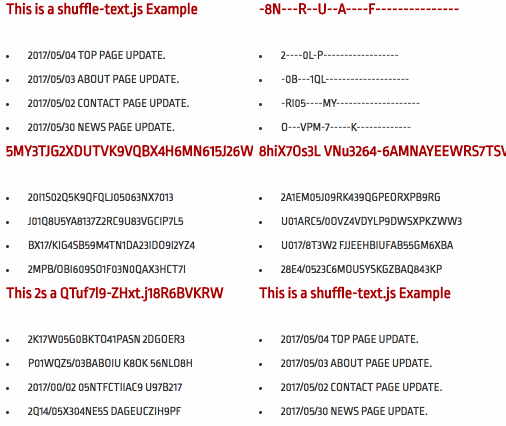
For more on giving randomness this kind of texture, see the article JavaScript開発に役立つ重要なランダムの数式まとめ and the Togetter summary 乱数にコクを出す方法について - Togetterまとめ.
Showcase of shuffle-text examples
shuffle-text is used in projects that the author helped produce.
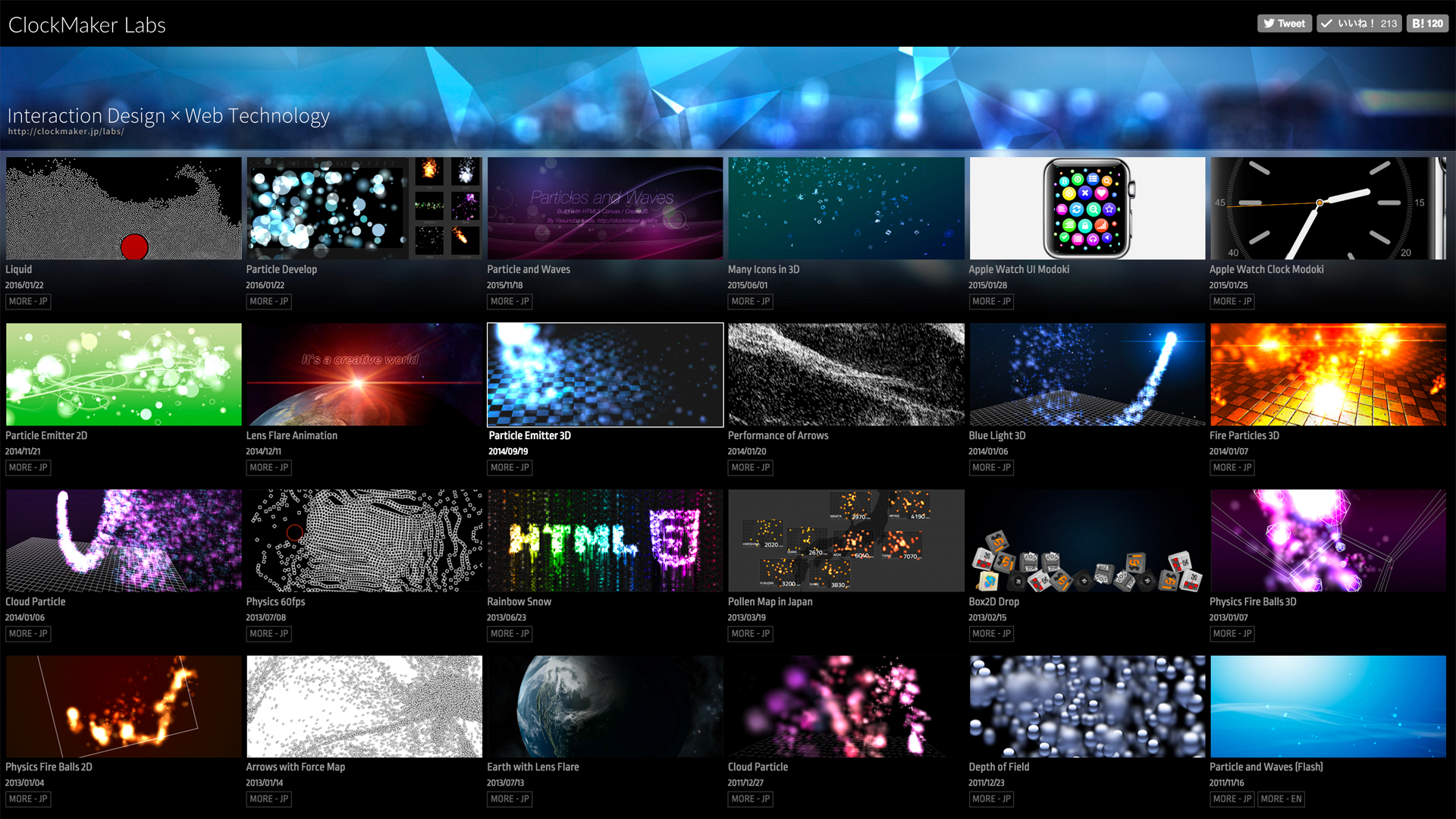
Above: ClockMaker Labs - Interaction Design x Web Technology
The author’s personal site showcases experimental interaction content produced since around 2008. The site is built with Angular and uses shuffle-text for its visual effects. The site’s source code is available on GitHub.
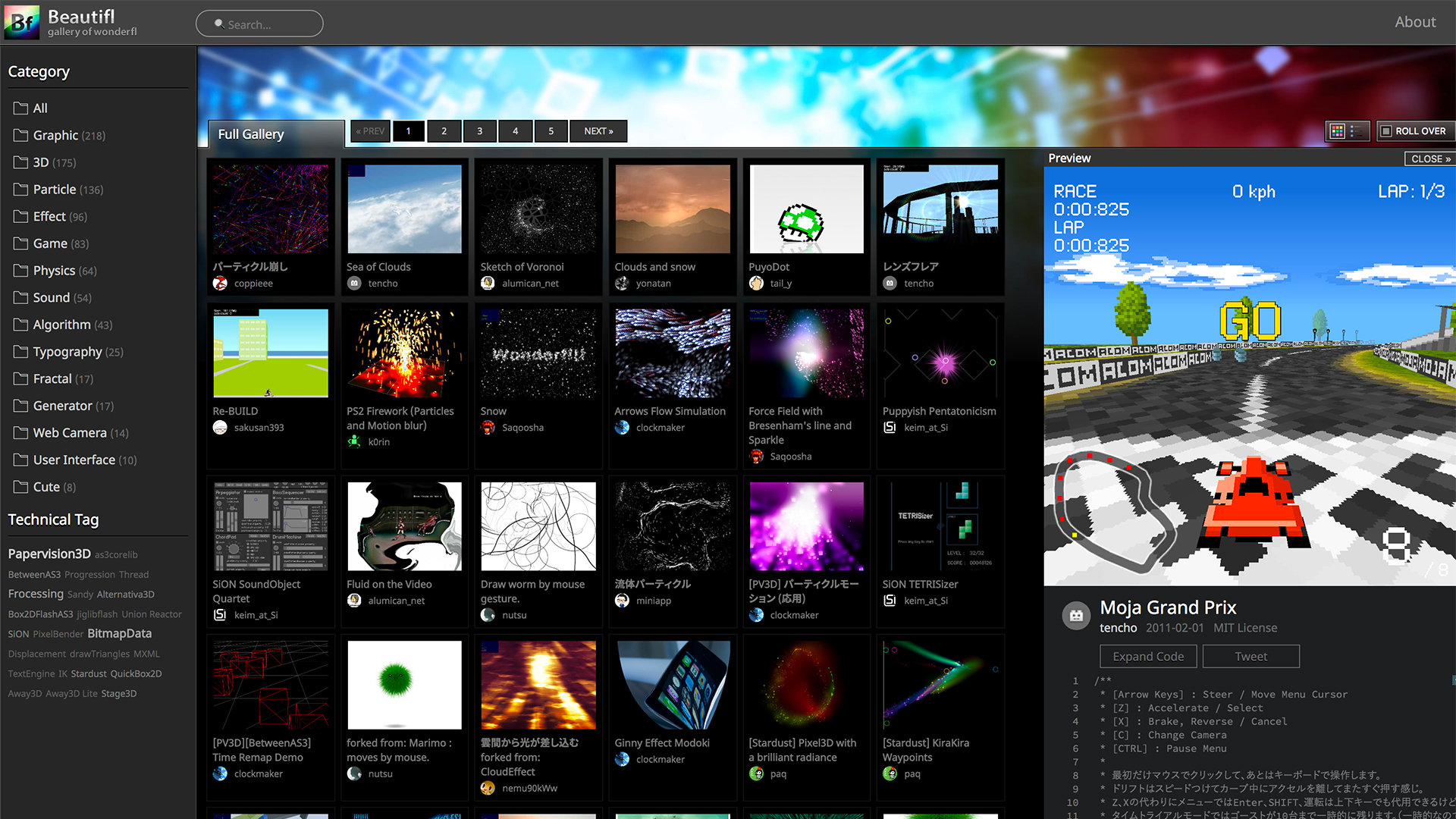
Above: Beautifl - Flash Gallery
Beautifl is a gallery site that features Flash works posted to wonderfl, a service once operated by KAYAC Inc. shuffle-text is used in the navigation on the left side of the screen. For more about this site, see the articles Flash作品を残すために取り組んだこと, 脱jQueryのためにしたこと, and CSS Grid Layoutをガッツリ使った所感.
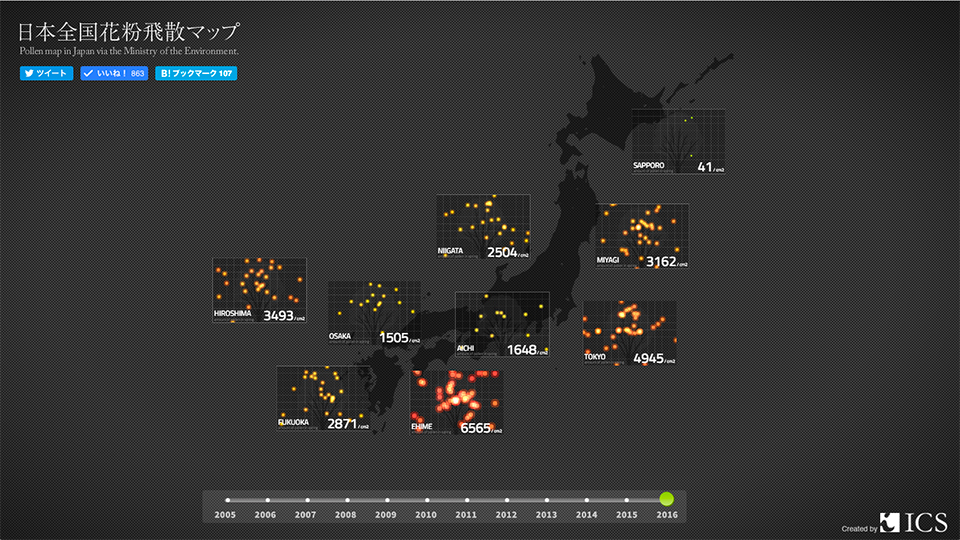
Above: Pollen Map in Japan | ICS
Pollen Map in Japan is a site that visualizes pollen counts across Japan as a data visualization. It uses shuffle-text, the CreateJS version, for the numeric values.
Using shuffle-text with npm
shuffle-text is also available on npm. Front-end engineers will likely prefer this installation method.
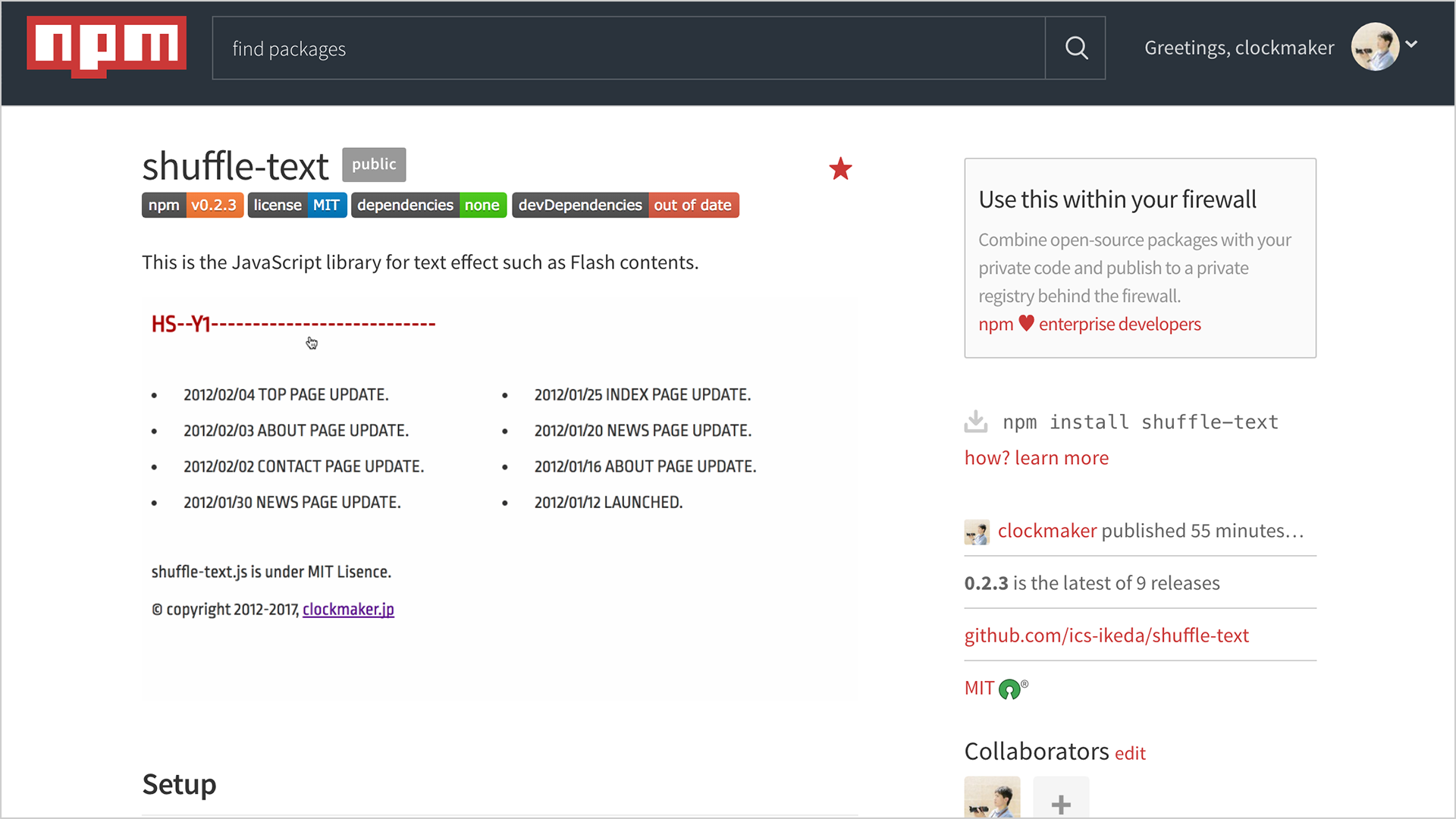
If Node.js is installed on your machine, you can install the JavaScript library with the npm command. Run the following command in your command-line interface.
npm install shuffle-text
Bundling the module
Bundling the module combines it into a single JavaScript file, reducing the number of server requests and shortening load times.
A common approach is to load the module with an ES module import statement. There are many module bundlers, so use the following configurations as references.
import ShuffleText from "shuffle-text";

// Get the element
const element = document.querySelector("#my-element");
// Create an instance
const shuffleText = new ShuffleText(element);
// Start the effect
shuffleText.start();
When using TypeScript, type definition files are installed automatically.
Conclusion
This library is actually a refreshed version of one first released in 2012. See HTML5でテキストのシャッフル演出ができるJSライブラリ「ShuffleText.js」 | ClockMaker Blog. It has been updated to align with current JavaScript library workflows, including migration to TypeScript and publication on npm. Feel free to use it in your projects.